How to Claim Your IQOS ILUMA Warranty in the UAE
This guide covers what the IQOS ILUMA i warranty actually repairs or replaces on the ILUMA i Standard, ILUMA i Prime and ILUMA i One, how the 24-month cover works, and the exact steps to open and track a claim. You will also find the resets worth trying first and the documents to have ready before you submit anything.
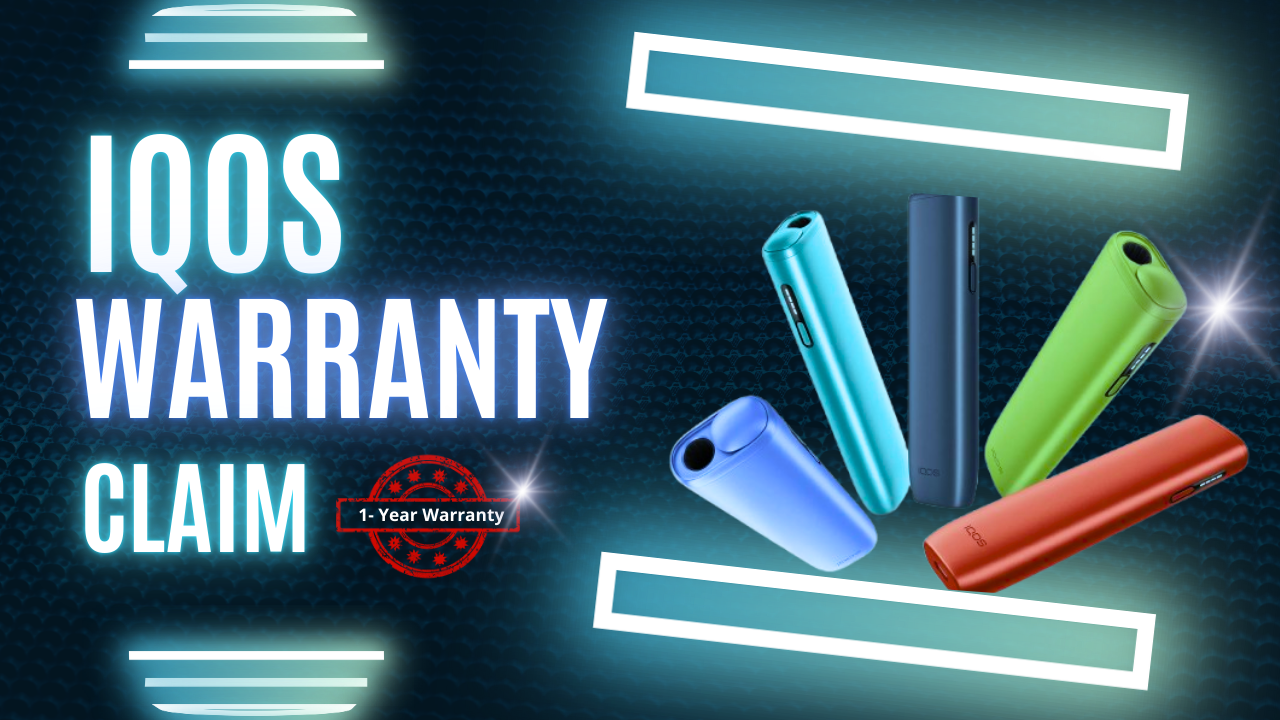
What Does the IQOS ILUMA Warranty Actually Cover?
IQOS backs the ILUMA i Standard, ILUMA i Prime and ILUMA i One against manufacturing defects, not against normal life with a handheld device. If a fault traces back to materials or workmanship, and the device was used the way the user guide describes, it is covered. Anything caused by how the device was handled afterward usually is not.
The line between the two lists comes down to cause rather than symptom. A holder that will not heat could be a covered fault, or it could be the result of a knock nobody mentioned, and the claims team will ask what happened before they decide either way.
- Covered: the holder will not heat a TEREA stick at all, even after a reset
- Covered: the pocket charger will not charge the holder, or the holder will not hold a charge
- Covered: lights on the holder or charger blink red or amber and a reset does not clear it
- Covered: a part fails because of a factory fault, such as a charging case lid that snaps off on its own
- Not covered: drops, knocks or any damage from external force
- Not covered: contact with water or any other liquid
- Not covered: faults caused by non-compatible sticks, DIY repairs or unauthorised modifications
- Not covered: cosmetic wear such as scratches or dents that do not stop the device working
- Not covered: batteries losing capacity naturally with age
How Long Does the IQOS Device Warranty Last, and How Do You Reach Two Years?
Every device in the ILUMA i line starts on the same terms: 12 months of standard cover from the date of purchase. Register the device within 30 days of buying it and IQOS adds a further 12 months, taking the total to 24 months.
Miss the 30-day window and you keep the original 12 months only, with nothing in the source material suggesting a later way to add the extra year. The extended warranty applies to the Holder and the Pocket Charger specifically; electronic accessories, power adaptors and charging cables are generally left out of the extended terms.
- IQOS ILUMA i Standard: 12 months standard, up to 24 months once registered
- IQOS ILUMA i Prime: 12 months standard, up to 24 months once registered
- IQOS ILUMA i One: 12 months standard, up to 24 months once registered
How to Check Whether Your ILUMA i Is Registered and Still Under Warranty
You check this on IQOS's own account system, not through a retailer, since IQOS holds the registration records rather than the shop that sold the device.
Registering is not a formality you can skip. Doing it inside 30 days is what activates the second 12 months, and it also unlocks International Assistance while travelling and, for ILUMA i Prime owners specifically, one-time Accidental Damage Protection. None of that applies to a device that was never logged into an account.
- Find the 14-digit serial number, printed on the retail box and sometimes etched into the holder or the charging case
- Go to the support or warranty section of the official IQOS UAE website
- Sign in, or create an account and register the device if that has not been done already
- Enter the serial number under add or view device to see registration status, the registration date and how much warranty time is left
Step-by-Step: How to File an IQOS ILUMA i Warranty Claim
The quickest route runs entirely through the IQOS account, and most people can finish it without ever picking up the phone.
If you would rather talk to someone first, IQOS's UAE customer care line and WhatsApp number are both listed on the IQOS UAE site. Have the serial number, a plain description of the fault and your location ready, and send a photo or short video of any error light if they ask for one - it tends to speed up the diagnosis.
Once a claim is approved, Express Replacement is what gets a new unit out quickly. The material we worked from confirms delivery within 24 hours of approval in Dubai and Abu Dhabi specifically; it does not state a figure for the rest of the UAE, so it is worth asking support directly if you are outside those two cities.
- Sign in to your IQOS account - it is already linked if you registered the device when you bought it
- Open My Devices and select the ILUMA i Standard, ILUMA i Prime or ILUMA i One that is giving trouble
- Select View Details, then Let's Fix Your IQOS, which runs a short self-diagnosis such as a reset before it lets you file anything further
- If the fault is still there, describe it along with any error lights and submit the claim - review typically takes about one business day to confirm a manufacturing fault
- Once approved, IQOS sends a replacement Pocket Charger and/or Holder to the address on file, and you return the faulty unit in the same packaging to keep the warranty valid
Which Faults Actually Get Approved? Common ILUMA i Problems and Outcomes
Heating and lighting faults tend to get approved once a reset has ruled out the obvious. Physical and liquid damage almost never does, no matter how the device otherwise performs.
- Device will not turn on or heat: usually approved, once a reset has been tried and the fault remains
- Red blinking lights: usually approved, since this often points to an internal fault a reset cannot clear
- Dropped and cracked casing: not covered, as accidental physical damage sits outside standard cover (registered ILUMA i Prime owners get one free accidental-damage replacement)
- Lid will not close properly: approved if a part failed on its own, not approved if it was forced or visibly damaged
- Water or liquid contact: not covered under any circumstance, since liquid exposure voids the warranty immediately
- Weak draw or thin vapour: mostly not covered, since this is more often a stale or non-genuine TEREA stick than a fault in the device itself
Reset and Troubleshooting Steps Worth Trying Before You File
A lot of devices that look faulty just need a reset, and it costs a few minutes to rule that out before opening a claim.
Before submitting anything, gather what IQOS will likely ask for: the device linked to your account, the 14-digit serial number, and clear photos or a short video of the fault. Proof of purchase is often waived once a device is registered online, but keep the receipt regardless, since IQOS can still request it.
- Reset: seat the Holder back in the Pocket Charger, hold the charger's button for about 10 seconds, and release once the lights dim and give one brief white flash
- Check the charge: the Pocket Charger can simply be flat, so charge it on the original IQOS cable and charger for at least 30 minutes before assuming a fault
- Check the temperature: three white flashes usually mean the device is outside its 0C to 40C operating range rather than broken
- Check the stick: use a genuine, unused TEREA stick made for the ILUMA i series, since anything else can mimic a device fault that is not one
Keeping the Warranty Valid, and Buying a Genuine ILUMA i in the First Place
Most rejected claims trace back to one of a few avoidable habits, so it is worth being deliberate about how the device is used and where it was bought.
A valid warranty starts with a genuine device carrying a proper, traceable serial number, and that depends on the unit itself being authentic rather than on any particular seller's name. TEREA 365 is an independent UAE retailer, not IQOS, and we are not affiliated with IQOS, TEREA or Philip Morris International. We stock and deliver genuine IQOS ILUMA i Standard, ILUMA i Prime and ILUMA i One devices alongside TEREA sticks, HEETS and RELX pods, but the warranty claim itself is filed and processed through IQOS directly rather than through us.
If you need a device now, order through WhatsApp on +971561652004. Delivery runs 1-2 hours across Dubai, Sharjah and Ajman, and within 24 hours elsewhere in the UAE, with payment by cash or card on delivery.
- Never open the device or attempt DIY repairs - this voids the warranty on the spot
- Stick to genuine TEREA sticks and the IQOS charger and cable that shipped with the kit
- Keep every ILUMA i device linked to its account for full support and extended cover
- Buy from a seller who can supply a genuine device with a clear, valid serial number
Frequently asked questions
Do I need a receipt to claim the IQOS ILUMA i warranty in the UAE?
How long does an approved warranty replacement take to arrive?
Is damage from dropping my IQOS ILUMA i covered by the warranty?
Can I claim the warranty if I bought my ILUMA i outside the UAE?
Does the warranty cover the pocket charger, or only the holder?
How do I reset my IQOS ILUMA i One before submitting a claim?
Related searches
iqos iluma warrantyiqos iluma uaeiqos iluma i uaeiqos iluma uae priceiqos iluma price in uaeiqos device warrantyiqos iluma i how to useiqos iluma how to usehow to pause iqos iluma ihow to iqos iluma onehow to use iqos iluma ihow to use iqos ilumahow to unpause iqos iluma ihow to unpause iqos iluma