IQOS ILUMA i App: How to Connect and Customise Your Device
The IQOS ILUMA i app pairs with your device over Bluetooth and lets you reshape how it behaves, from vibration and screen brightness to FlexBattery and FlexPuff. This guide covers setup on iPhone and Android, which ILUMA i model gives you which settings, and the reset that clears most sync problems.
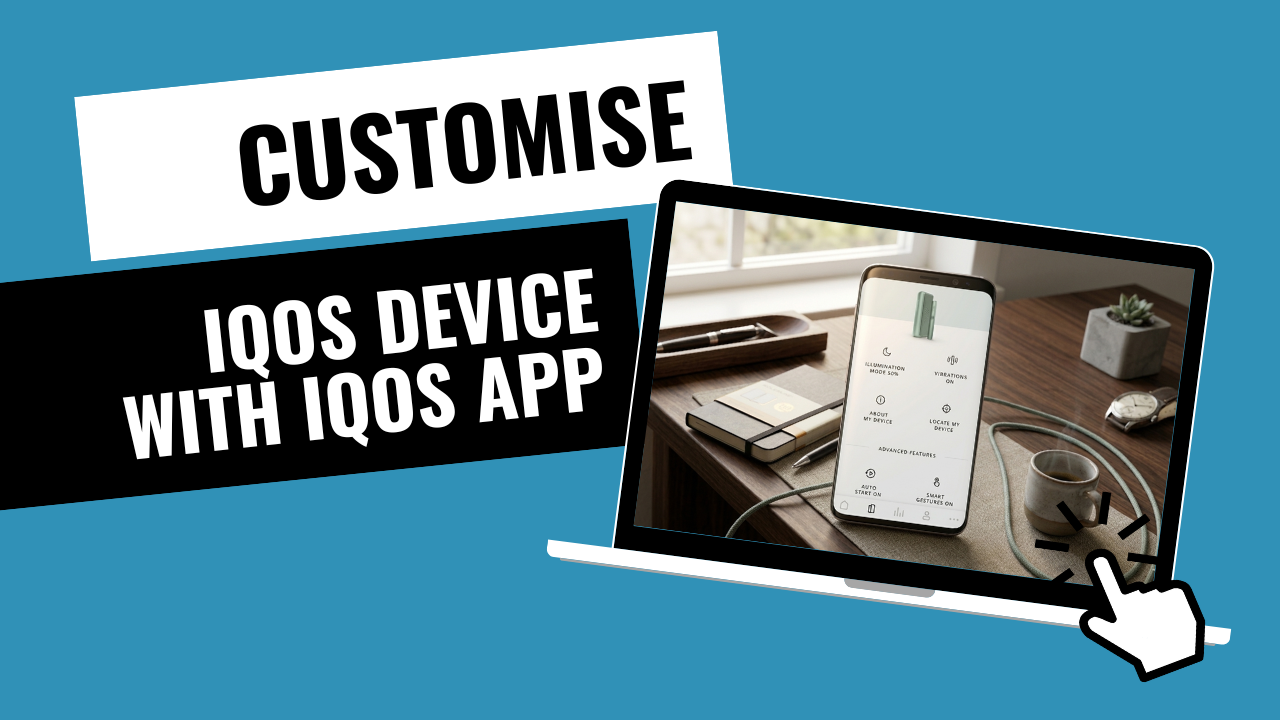
What the IQOS ILUMA i App Actually Changes on Your Device
The IQOS ILUMA i app is a Bluetooth companion tool, not a way to change what your stick delivers. Once paired, it lets you switch battery modes, turn vibration alerts on or off, dim the touch screen, and install firmware updates as IQOS releases them.
What stays fixed is the SMARTCORE INDUCTION SYSTEM itself. The heating curve that turns a TEREA stick into vapour is set at the factory, so nothing in the app makes a session hotter, stronger or more intense. Every setting you touch sits on top of that fixed process, not inside it.
- Controlled by the app: battery mode, vibration feedback, screen brightness, firmware updates
- Not controlled by the app: heating temperature, draw strength, how the tobacco is processed
Which ILUMA i Model Decides How Much You Can Customise
Three ILUMA i devices are sold in the UAE, and how much of the app you actually get to use depends on which one is in your hand rather than on any setting you can switch on later.
If Pause Mode is something you plan to rely on, that decision has to be made when you buy the device. No firmware update adds sensors that were never built into the holder.
- ILUMA i Prime: full app access, including both FlexBattery modes and Pause Mode. Sold in colours such as Midnight Black and Breeze Blue.
- ILUMA i Standard: the core smart features - lighting and alert adjustments, plus battery health and firmware updates - without the Prime's fuller feature set.
- ILUMA i One: the simplest of the three, built to run for around 20 consecutive uses on a charge. App connectivity is limited, with no touch screen control and no Pause Mode, since the hardware does not include the sensors those features need.
How to Connect Your ILUMA i to the IQOS App
Setup is not identical on both phone platforms, and this is where most first pairing attempts stall. Apple's App Store restricts tobacco-related apps, so iPhone owners cannot simply download the IQOS app the way Android owners can install the native version directly.
On iPhone, the workaround is the IQOS Web App, opened through a Bluetooth-enabled browser such as Bluefy, since Safari itself cannot handle the Bluetooth connection pairing needs.
Charge the holder to at least 50 percent before you start. A low battery is the most common reason the connection drops halfway through the first sync.
- Turn on Bluetooth on your phone
- Hold the button on the ILUMA i holder or charger until the lights pulse
- Open the app, or the web app on iPhone, and follow the pairing prompt
Adjusting Vibration Alerts and Screen Brightness
Once paired, the two settings people change first are vibration and brightness. If the "ready to use" buzz or the "end of session" alert feels intrusive in a quiet meeting, both can be switched off from the app rather than lived with.
The touch screen can also be dimmed, from a bright 100 percent down to around 30 percent, which is a small change that makes the device noticeably less conspicuous on a desk or in a bag pocket.
FlexPuff and FlexBattery: What Each Setting Actually Does
FlexPuff can add up to four extra puffs when the device senses that a TEREA stick was not fully used during that session. The app keeps a log of when it triggered, and reading that log tells you something about your own habit: if extra puffs never show up, you are likely taking long, deep draws that use up the stick before the device needs to compensate. If your sessions tend to get interrupted, in traffic or mid-meeting, FlexPuff is what is quietly giving those unused puffs back to you. One exception worth knowing: it does not activate on a session where Pause Mode was used.
FlexBattery controls the holder's charging pattern rather than the stick itself. Performance Mode, the default, allows up to three consecutive sticks before the holder needs to go back in the charger. Eco Mode limits you to one stick at a time, in exchange for extending the holder's total battery lifespan by up to a year.
That trade-off matters more here than in cooler markets, because UAE heat speeds up battery degradation on its own. If you want a Digital Violet holder to still perform well a year from now rather than fading within months, Eco Mode is the more realistic default, and the honest cost is giving up three sticks back-to-back without recharging.
Matching App Settings to How You Actually Use the Device
There is no single correct setup. It depends on where and how often you use the device through the day, and the three patterns below cover most of what TEREA 365 customers describe.
- Heavy users: stay in Performance Mode and turn on Auto-Start, so heating begins the moment you slide in a TEREA Sienna, with no extra button press
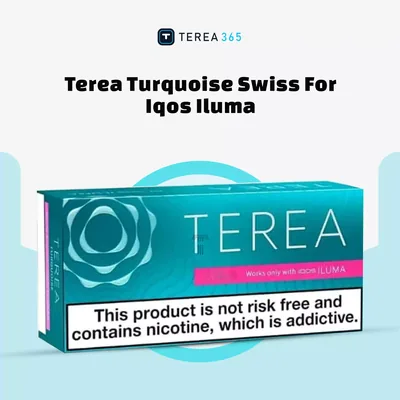
- Social users: turn off vibration and dim the screen, and pair that quieter setup with something like TEREA Turquoise for a lighter session
- Users who like tracking usage: leave haptic feedback on and check the weekly puff count in the app to see how the pattern shifts week to week
Keeping the App Synced When It Is Hot Outside
UAE heat affects the app indirectly, through the device rather than the software. If the holder gets too hot, left on a car dashboard is the classic case, it can temporarily disable Bluetooth to protect the battery, and the app will simply stop finding it.
The fix is not technical: move the device into an air-conditioned room and give it about 15 minutes to cool before pairing again. It is also worth checking battery temperature in the app occasionally through summer, since a device that consistently runs hot is one whose battery will not last as long.
Common Myths About the IQOS ILUMA i App
A few claims about the app come up often enough with customers that they are worth correcting directly.
- "The app makes the hit stronger." It does not. The heating profile is capped, and the app has no access to change it.
- "Bluetooth drains the battery." The connection runs on Bluetooth Low Energy, which has a negligible effect on how long the holder lasts between charges.
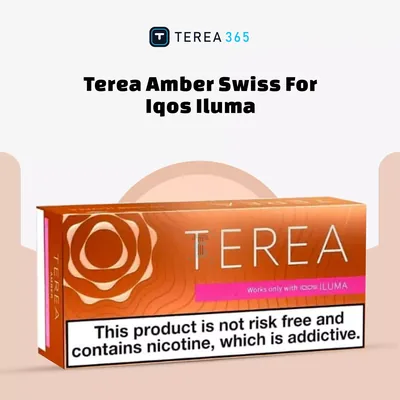
- "The app changes the TEREA flavour." It does not. The app only changes alerts, vibration and screen behaviour. Flavour comes entirely from the stick itself, whether that is TEREA Yellow, TEREA Amber or any other variant.
Fixing It When the App Will Not Sync
Most sync failures come down to the phone holding onto a stale Bluetooth connection rather than anything wrong with the device itself, and the same three-step reset clears the large majority of cases we hear about.
If you have been through that reset and the holder still will not pair, or the fault turns out to be the hardware rather than the app, TEREA 365 delivers ILUMA i devices and TEREA sticks across Dubai, Sharjah and Ajman within 1-2 hours, and to the rest of the UAE within 24 hours, with cash or card on delivery. Order or ask a question via WhatsApp on +971561652004.
- Open your phone's Bluetooth settings and "forget" the ILUMA i
- Soft reset the device by holding the button for 10 seconds until it vibrates
- Reopen the app and pair again from scratch
Frequently asked questions
How do I pause an IQOS ILUMA i session?
How do I unpause an IQOS ILUMA i session?
How do I use the IQOS ILUMA i app for the first time?
How do I clean an IQOS ILUMA i?
How do I open the IQOS app on iPhone?
Does the IQOS ILUMA One work with the app?
Related searches
iqos iluma i unlockiqos iluma unlockiqos iluma appiqos iluma i unlock editioniqos iluma prime appiqos iluma app apkiqos iluma i unlock limited editioniqos iluma i how to usehow to unlock dubai vapehow to pause iqos iluma ihow to iqos iluma onehow to use iqos iluma ihow to use iqos ilumahow to unpause iqos iluma i