IQOS ILUMA i Tips and Tricks to Stop Performance Dropping Over Time
These IQOS ILUMA i tips and tricks come from stock we handle every day at TEREA 365, not a spec sheet. Follow them and a Prime, Standard or One holds its vapour, battery life and heating consistency for months longer, even with daily back-to-back sessions.
How ILUMA i Technology Actually Works
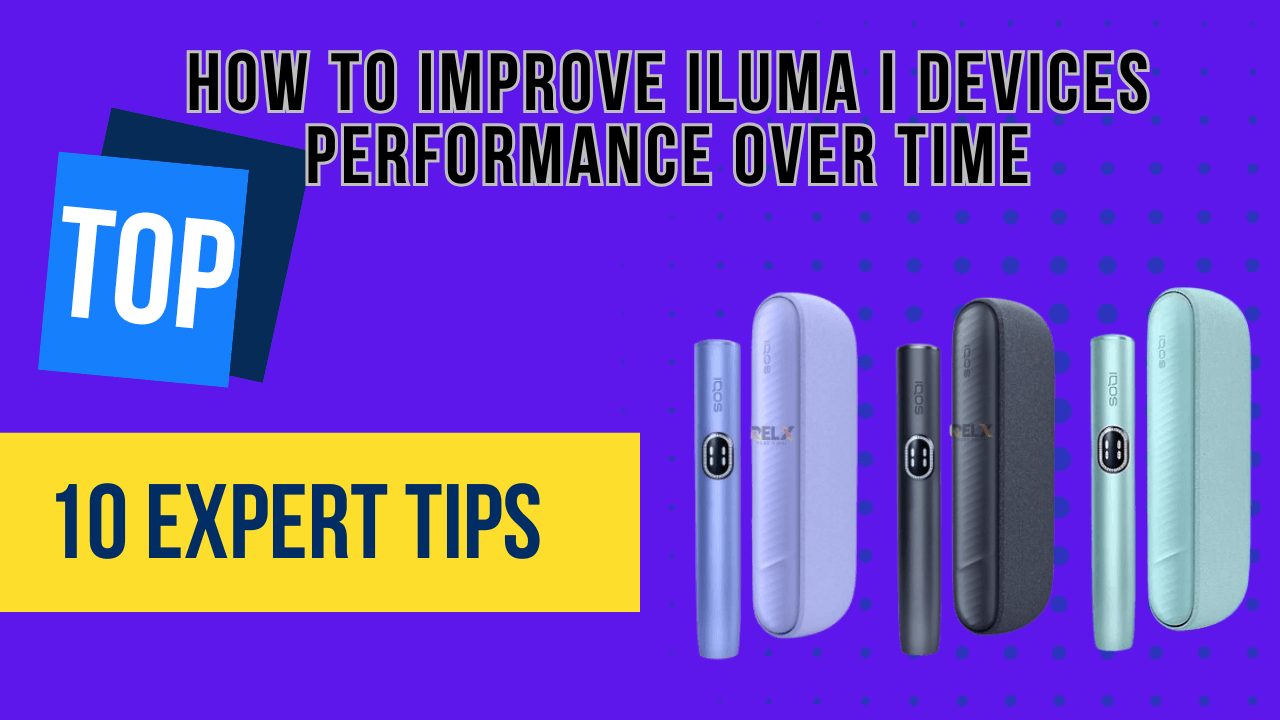
Every ILUMA i device, the ILUMA i Prime, the ILUMA i Standard and the ILUMA i One, runs on the same core system: Smartcore Induction Heating, which warms tobacco without a blade so there is less residue and a steadier flavour session after session. Two more systems sit on top of that: FlexPuff, which keeps vapour output even across a session, and FlexBattery, which manages power delivery so the battery holds up over repeated use.
Where the three models actually split is the interface. Only the ILUMA i Prime has a touch screen, used for session control and battery monitoring. On the Prime, Pause Mode is a double tap on the screen; the Standard and the One use simplified physical controls to do the same job. None of that changes the heating underneath, it changes how you interact with it, which matters when you are troubleshooting one specific model rather than the range as a whole.
How to Clean the Charging Contacts and Cap Without Damaging the Device
ILUMA i is marketed as a device that needs no cleaning, and the burning chamber genuinely stays cleaner than older blade-style devices. That does not mean the whole unit is maintenance-free. Charging contacts pick up dust and pocket lint, and the cap and airflow area collect residue of their own, just in a different spot to where it used to sit.
For the cap and vents, a dry cotton swab run around the opening once a week, more often if you get through several sticks a day, stops airflow from getting restricted. If a session suddenly feels weaker and the stick looks fine, a blocked cap is usually the first thing to check before assuming the device itself has failed.
- Turn the device off before cleaning anything.
- Wipe the charging contacts and the dock pins with a dry microfibre cloth, or a cotton swab lightly moistened with isopropyl alcohol.
- Keep liquid off the inside of the holder, only the external contacts should ever get moisture.
How to Use Pause Mode Without Overheating the Device
On the ILUMA i Prime, pause is a double tap on the touch screen during a session; it resumes exactly where you left off, no restart needed. The Standard and the One use their simplified controls for the same action. Either way, the point is the same: starting a new stick immediately after finishing the last one pushes the Smartcore system to keep heating with barely a break, which is what produces weaker, harsher vapour by the third or fourth stick in a row.
Pausing between draws, or leaving a few minutes between sticks rather than chain-using the device, gives the internal system time to settle before it heats again. It is a genuinely free way to protect long-term performance, though it will not rescue a session that is weak because the cap is blocked or the stick itself is not genuine, those need the fixes described elsewhere in this guide, not just a pause.
How to Charge FlexBattery Without Shortening Its Life
Lithium-ion batteries degrade with bad charging habits regardless of the technology name attached to them, and FlexBattery is no exception. Charge to 100 percent, then unplug, leaving the device sitting on the charger for hours after it is full does the battery no favours, and using it while it is plugged in adds extra heat on top of what a session already generates. Exact charging time varies with how depleted the battery is, but the habits below matter more than the minutes on the clock.
If you go through several sticks a day, two shorter charging sessions work the battery less hard than one long overnight charge, even though it takes more effort. Charge in a cool, ventilated spot, and stick to the original USB cable and adapter, a phone's fast-charging adapter pushes more voltage than the device is built for, and cheap third-party cables are one of the most common causes of unstable charging we see on devices brought back to us. The trade-off is real: original accessories cost more than a generic cable, but a damaged battery or circuit board costs a great deal more.
Why Original TEREA Sticks Change Session Quality
ILUMA i's Smartcore and FlexPuff systems are tuned around original TEREA sticks specifically, and that shows up fastest when a stick is expired or not genuine: uneven heating, extra residue in the holder, and a session that overheats faster than it should. If a device is giving weak vapour or is not detecting a stick and otherwise checks out fine, the stick itself is the next place to look.
TEREA comes in variants sourced from different markets, and the difference is genuinely in the taste rather than the technology: TEREA Japan leans toward more refined flavour profiles, TEREA Indonesia is smoother and milder, and TEREA Kazakhstan is more robust and balanced. Which one suits you is a matter of preference, all three are built for the same Smartcore system.
We stock all three at TEREA 365 and deliver within one to two hours across Dubai, Sharjah and Ajman, or within 24 hours to the rest of the UAE, cash or card on delivery, ordered through WhatsApp on +971561652004. Store whatever you buy in a cool, dry place, sticks left in a hot car lose freshness before you even get to use them.
How Temperature and Storage Affect Long-Term Performance
Storage temperature affects an ILUMA i more than most owners expect. Heat degrades FlexBattery and interferes with the Smartcore induction coil; cold reduces heating efficiency and thins out vapour density; humidity works on the electronics and on stick integrity at the same time. Keep the device and your sticks between 15 and 25 degrees C (59 to 77 degrees F) and away from parked cars, sunny windowsills and bathrooms, where humidity spikes every time someone showers.
None of this is exotic advice, it is the same logic as storing any lithium-ion electronics sensibly, but it is the tip most people skip, and a car left in the sun for an afternoon will do more damage to a battery than months of normal daily use.
When to Replace the Cap, Check Firmware, and Retire the Device
The cap is a wear part, not a permanent fixture. It governs airflow and vapour density, and residue plus regular handling wear it down over time. Replace it every three to six months with regular use, every one to three months if you are a heavy user, and sooner than that if airflow feels restricted or the cap is visibly damaged. Keeping a spare on hand means you are never caught out.
Firmware is a smaller but easy win: not every region gets updates, but where they are available through the ILUMA app they can smooth out heating cycles, extend battery life and fix bugs. Checking monthly costs nothing and takes a minute.
Even with all of the above done properly, an ILUMA i has a finite lifespan, expect roughly 12 to 18 months of good service, less for heavy daily users. If vapour stays weak despite a clean cap and genuine sticks, the battery drains unusually fast, heating stays inconsistent, or the device stops charging altogether, that is the device telling you it is done rather than a maintenance problem you can clean or charge your way out of.
Common ILUMA i Problems and Quick Fixes for Heavy Users
Most ILUMA i complaints trace back to one of five causes, and the fix is usually quick once you know which one you are dealing with.
If you go through more than a pack a day, a few habits compound: keep the battery above 20 percent rather than running it flat, favour two shorter charges over one long one, rotate in a spare cap before the old one is visibly worn, and check for firmware updates roughly every two weeks instead of monthly. None of this is complicated, it is the same habits from this guide, just applied a bit more often because the device is working harder.
- Weak vapour: usually a fake or expired stick, a clogged cap, or a device that overheated. Use a genuine stick, clean the cap, and let it cool before the next one.
- Device not heating: check the battery first, then reseat the stick properly, then check for a firmware update.
- Fast battery drain: almost always overcharging or heat exposure. Stop leaving it on the charger and store it somewhere cooler.
- Overheating: too many sessions back-to-back. Use Pause Mode and let three to five minutes pass between sticks.
- Stick not detected: clean the contacts and confirm the stick is genuine TEREA, not a damaged or counterfeit one.
Frequently asked questions
How do I use an IQOS ILUMA i for the first time?
How do I pause and unpause an IQOS ILUMA i?
How do I clean an IQOS ILUMA i?
How do I open an IQOS ILUMA to insert a stick?
How does the IQOS ILUMA i One work compared to the Prime?
How does IQOS ILUMA's heating actually work?
Related searches
iqos iluma i charging timeiqos iluma charging timeiqos iluma i how to useiqos iluma how to useiqos iluma i how to pauseiqos iluma how to pauseiqos iluma how it worksiqos iluma i how to openhow to use iqos iluma first timehow to use iqos iluma i for the first timehow to pause iqos iluma ihow to iqos iluma onehow to use iqos iluma ihow to use iqos iluma