IQOS ILUMA Blinking Red Light: What It Means and How to Fix It
An IQOS ILUMA blinking red light almost always means the device wants a reset, not that it is broken, though a nearby magnet, dirty contacts or a poor stick can trigger the same signal. This guide covers every white, orange and red pattern the device shows, model by model, with the exact fix for each one.
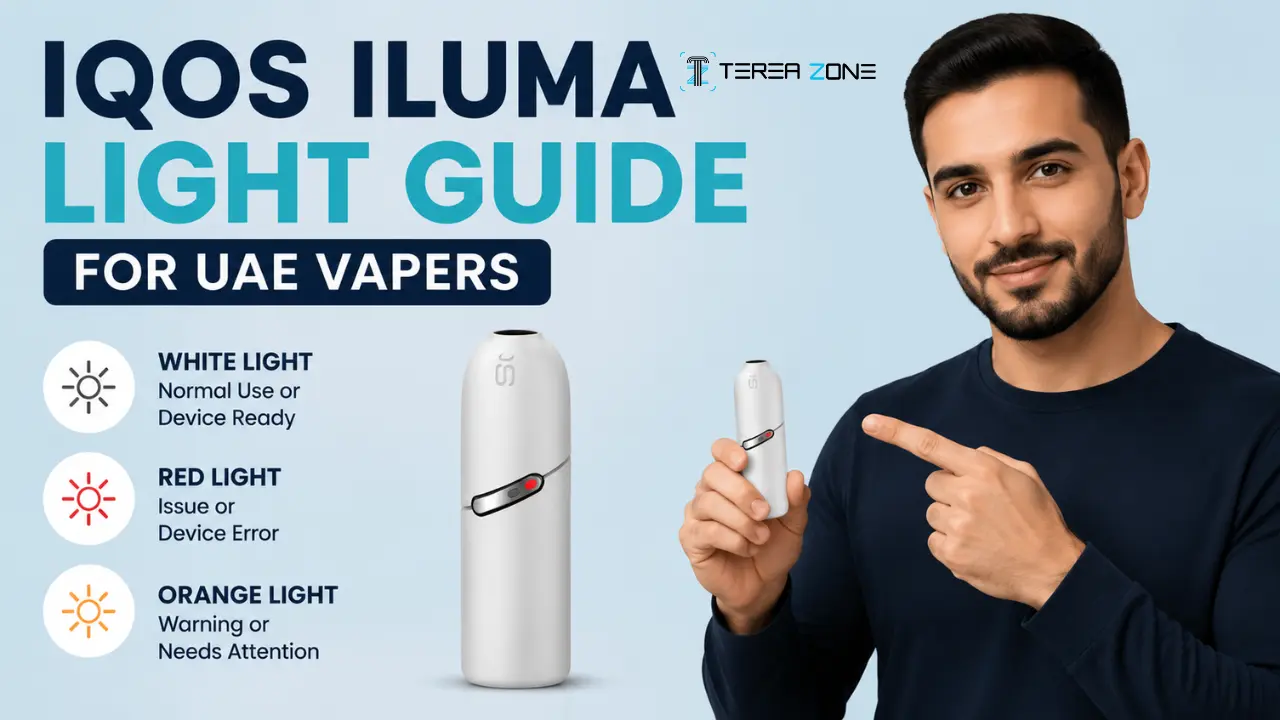
What Does a Blinking Red Light Mean on IQOS ILUMA?
An IQOS ILUMA blinking red light means the device wants your attention, not that it has stopped working for good. In the large majority of cases it settles after a straightforward reset, so that is the first thing to try before you assume the worst about an IQOS ILUMA red light.
The IQOS ILUMA range heats tobacco using induction technology, and induction is sensitive to magnets. A magnetic phone case, a magnetic car mount, or even a wallet with a magnetic clasp sitting close to the holder can throw off the calibration and trigger a red blink with nothing actually faulty about the device itself. This applies across the range, so an IQOS ILUMA i red light or an IQOS ILUMA Prime red light can both trace back to the same magnetic interference.
Moving the holder away from anything magnetic before you troubleshoot further rules out more cases than people expect. If there is no magnet nearby, move on to a reset, covered next, and if the light returns afterwards, work through the checklist further down this guide before contacting support.
How to Reset an IQOS ILUMA After a Red Light
The IQOS ILUMA red light fix that works in most cases starts with a reset, and the exact steps depend on which holder you own. On the standard IQOS ILUMA and the ILUMA i Prime, place the holder back in the pocket charger, then press and hold the pocket charger button for ten seconds until the lights fade out completely. Release the button and watch for all the lights to flash white briefly, which confirms the reset has worked.
The IQOS ILUMA i ONE does not have a separate pocket charger, so an IQOS ILUMA i blinking red light is cleared a different way. Press and hold the ON/OFF button on the device itself for ten seconds. A successful reset shows as the lights fading in, blinking twice quickly, then rising back up to display your current battery level.
- Standard IQOS ILUMA and ILUMA i Prime: hold the pocket charger button for ten seconds until the lights fade out, then release to see a confirming white flash.
- IQOS ILUMA i ONE: hold the ON/OFF button for ten seconds until the lights fade in, blink twice, then rise to show the battery level.
Red Light Came Back After a Reset? Work Through This Checklist
If an IQOS ILUMA red light comes straight back after a reset, do not assume the holder itself has failed yet. Two causes account for most repeat cases, and both are simple to check.
If the light still will not clear after cleaning the contacts and trying a different stick, use IQOS's own self-diagnostic tool or contact IQOS support directly through live chat on the official IQOS UAE app. They can confirm whether the device needs a professional look or a replacement under warranty.
Sourcing matters here too. We stock genuine TEREA sticks at TEREA 365 and deliver across Dubai, Sharjah and Ajman within 1-2 hours, and to the rest of the UAE within 24 hours, with payment by cash or card on delivery, so ruling out a bad stick does not mean waiting days for a replacement pack. Orders go through WhatsApp on +971561652004.
- Clean the metal contacts on both the IQOS holder and the pocket charger with a dry, soft cloth or a cotton swab. Fine dust buildup is common across Dubai and the wider UAE, and it is one of the most frequent reasons an IQOS ILUMA red light will not clear.
- Check the stick itself. A damaged or poor-quality TEREA stick, particularly one from an unfamiliar or unverified seller, can trigger the same IQOS stick red light blinking pattern as an actual hardware fault. Switching to a fresh, properly stored, genuine stick rules this out in seconds.
What a Blinking or Steady White Light on IQOS ILUMA Means
White is the least worrying light your IQOS ILUMA shows. IQOS ILUMA white pulsing right after you insert a TEREA stick means either the stick is heating up and getting ready to use, or your session is coming to an end, and both are completely normal. Wait a few seconds for the pulsing to settle before you draw.
A short press of the holder button outside of a session shows stationary IQOS ILUMA i white lights instead, which is simply a battery check. Two lights mean you have enough charge for two heated tobacco sessions back to back. One light means you have enough for a single session before you need to recharge.
White Light Blinking in an Odd Pattern and Not Settling
This one catches out a lot of first-time IQOS ILUMA users especially. The white light blinks a set number of times, stops, and nothing obvious happens next.
Let the device sit at normal room temperature before trying again, giving it five to ten minutes if it has just come from somewhere very hot or very cold. Avoid using it straight after it has been left in a parked car, in direct sunlight, or in a very cold air-conditioned room. Once it is back to a normal temperature, try heating the TEREA stick again, and if the pattern repeats, restart the device.
Orange or Yellow Blinking Light: The Easiest Fix on This List
Compared with an IQOS ILUMA red light, an orange or yellow blink is the least worrying signal the device gives, even though it still catches people off guard the first time. An IQOS device blinking orange, or an IQOS ILUMA Prime orange light specifically, simply means it needs charging.
Place the holder in the pocket charger as soon as the IQOS ILUMA yellow light blinking starts and leave it there for around fifteen minutes to restore enough power for normal use. If an IQOS stick orange light appears the moment you insert the holder, keep it in the charger until it has picked up sufficient charge, and wait for the blinking to stop before trying to use the device again. Keeping the pocket charger topped up as a habit avoids most low-battery interruptions altogether.
No Light At All on Your IQOS ILUMA, Even When Plugged In
A completely dark device looks more serious than a blinking one, but it is often the simplest problem on this list to solve.
If none of that brings a light back, stop troubleshooting on your own and contact official IQOS support. A dark device that will not respond to charging or resetting usually needs a technician rather than another round of fixes at home.
- Give the button a short press first, in case the device is simply switched off.
- If the battery is completely drained, leave it charging for up to twenty minutes before checking again for indicator lights.
- Remove the holder and reinsert it into the pocket charger, making sure the metal connector is aligned correctly and the holder is fully seated for a secure connection.
Why Your IQOS ILUMA Might Warn You More Often in the UAE
If you used an IQOS ILUMA elsewhere before, or you have compared notes with friends abroad, you might notice your device throws warnings more often here, and UAE heat is usually the reason.
- Keep the device out of direct sunlight and never leave it inside a parked car, especially in hot weather.
- Store it somewhere cool and shaded when you are outdoors.
- If it overheats, let it cool naturally at room temperature or in an air-conditioned space, and wait until it is back to normal before using it again.
- Never use ice, a freezer, or a fridge to cool it down. Sudden temperature swings can damage the device rather than fix the warning.
IQOS ILUMA, ILUMA Prime, ILUMA ONE and ILUMA i: Which One Do You Have?
Not every IQOS ILUMA device behaves identically, so knowing exactly which model is in your hand helps you read its lights correctly.
The standard IQOS ILUMA and the ILUMA Prime use a separate holder and pocket charger, with rounded lights on the holder and strip lights on the charger that show battery percentage in clear steps. The IQOS ILUMA ONE and the ILUMA i ONE combine everything into a single device, so one light bar covers both charging status and session readiness, and the reset happens directly on the device instead of through a separate charger. The newer IQOS ILUMA i range also adds app connectivity, so a white flash after a short button press can simply mean the device has been locked through the IQOS app, not that anything has gone wrong.
Once you know which model you own, match its pattern to the sections above rather than a generic guide, since the standard ILUMA, the ONE versions and the i range each show the same information a little differently.
Frequently asked questions
Why does my IQOS ILUMA blink red?
What is the IQOS ILUMA i?
What is the IQOS ILUMA i ONE?
What is the IQOS ILUMA ONE?
What is TEREA and how does it relate to IQOS ILUMA?
Related searches
iqos stick red light blinkingiqos iluma i blinking rediqos iluma red lightiqos iluma i red lightiqos iluma prime orange lightiqos iluma yellow light blinkingiqos iluma top light blinkingiqos iluma stick orange lightwhat does it mean when iqos flashes redwhy is my iqos blinking redwhat is iqos iluma iwhy does iqos light redwhat is iqos iluma i onewhat is ios device mean