IQOS ILUMA Red Light Fix: What the Blinking Light Means and How to Reset It
A blinking or solid red light on an IQOS ILUMA usually means a low battery, an overheating pause, a charging fault or a passing glitch, not a broken device. Here is how to tell which one you are dealing with, the exact reset steps, and when it is time to call IQOS support instead.
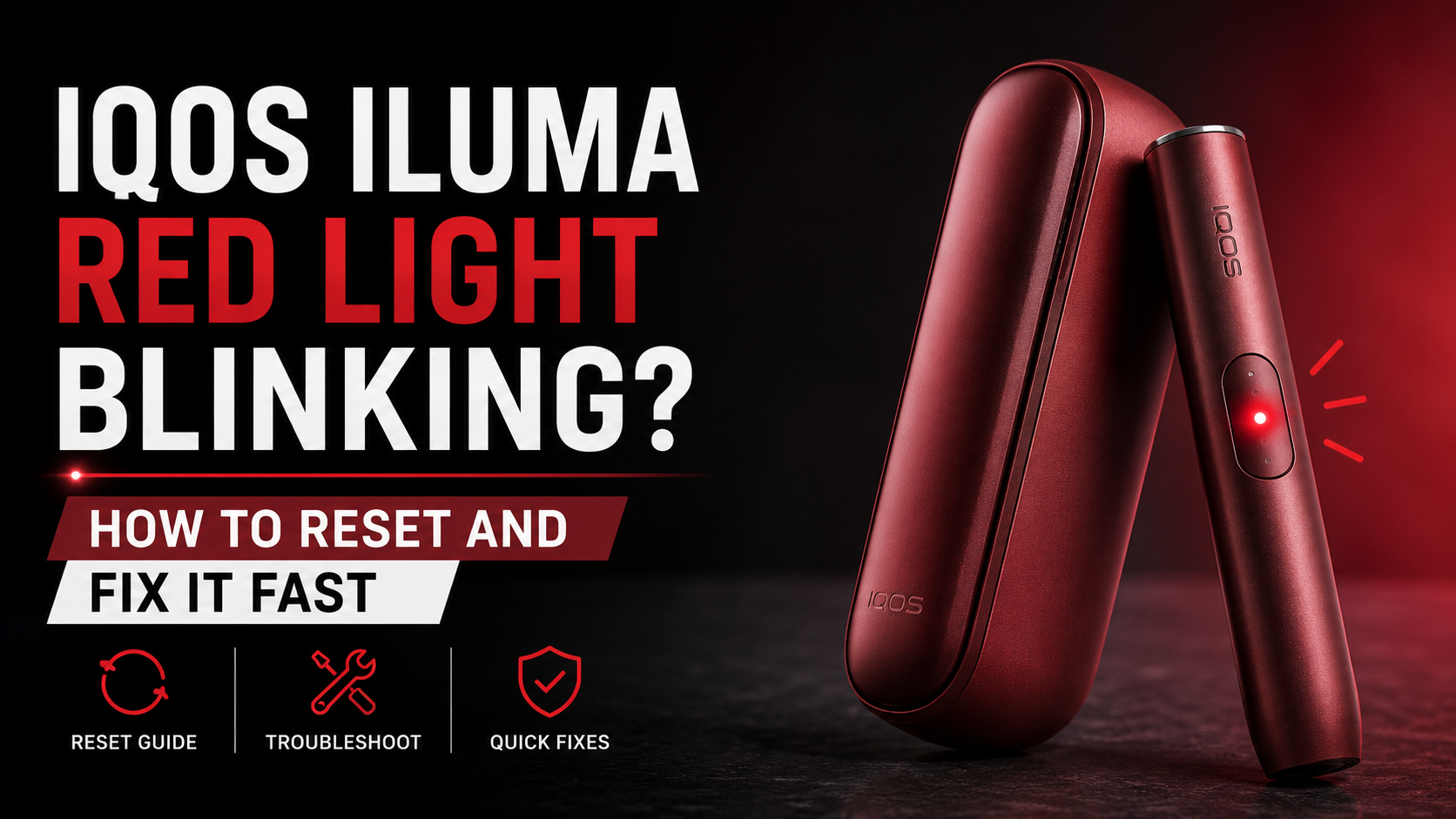
What Does a Blinking Red Light on an IQOS ILUMA Actually Mean?
A red light on an IQOS ILUMA, whether it blinks once or keeps flashing, is the device telling you something needs attention before it will run a session. The colour on its own does not tell you how serious that something is. It can mean the battery has dropped too low to finish a session, the device has paused itself from heat, there is a charging fault, or, less often, a genuine hardware problem.
What actually narrows it down is the pattern and the moment it shows up. A light that blinks briefly and clears behaves differently to one that stays solid, and a red light while charging points somewhere different than one that appears mid-session or right after the device has been dropped.
- Blinks briefly then clears on its own: usually a short battery dip or a one-off glitch
- Stays solid red: more likely to need a manual reset before it clears
- Appears the moment you plug in the charger: points to the cable, adapter or contacts
- Appears part-way through a heating session: usually overheating or the battery protecting itself
- Appears right after you insert a TEREA stick: can be a detection issue with that session
- Appears after a drop or knock: worth checking properly rather than assuming it will pass
The Most Common Reasons an IQOS ILUMA Turns Red
Most of the time the cause is ordinary. A firmware hiccup, a session that got interrupted, or the device simply not responding for a moment can all trigger a red light with no lasting effect, and a restart usually clears it. The single most frequent cause, though, is a battery that has dropped too low to reliably finish a session: rather than start one it cannot complete, the ILUMA shows red instead of trying. If the charging indicator lights up normally once you plug it in, this was almost certainly it, so give the device a full charge before testing it again.
Heat is the other big one locally. Direct sun, a parked car or several sessions back to back can trip the device's internal temperature protection, and you will usually notice a warm holder alongside the light. The opposite, a device that has gone cold after sitting in an air-conditioned car or during winter travel, is rarer here but can cause a brief misfire too. Charging problems are also more common in the UAE than elsewhere, largely because non-original cables and adapters are widely sold locally; a faulty cable, a damaged adapter, dirty contacts or an unstable power source can each set off the same red light.
Less frequently, the cause sits deeper: an interrupted or corrupted firmware update, dust and oxidation built up on the charging contacts over months of daily use, or an internal fault such as battery wear, a failing temperature sensor or a damaged charging circuit. A drop can also loosen an internal connection or knock the heating chamber out of alignment without leaving a mark you can see, and moisture or condensation can trip the device's built-in safety shutdown. If liquid is involved, let it dry out completely before you try anything else.
What to Check Before You Reset Anything
Before touching the reset button, run through four quick checks. They resolve the red light more often than people expect, and they rule out the easy explanations first.
- Stop using it: forcing another session while it is warning you can make an overheating or battery issue worse
- Check the battery: plug it in and watch the indicator; if it charges normally, give it a full charge before testing again
- Let it cool down: fifteen to twenty minutes indoors is usually enough after heavy use, sun exposure or charging
- Look it over: check for cracks, bent parts, chamber damage or a blocked charging port
How to Reset an IQOS ILUMA, Step by Step
A reset is worth trying once charging and cooling have not resolved the light, or the device is behaving unpredictably for no obvious reason. It is low risk and does not erase your app pairing.
The reset itself takes roughly 10 to 15 seconds, with the LED cycling through a pattern before it settles back to standby. The device restarts fresh and any temporary error clears, though whatever was mid-session is lost; app pairing and your settings normally stay as they were. If the reset does not hold, work back through the basics: a full charge, a different cable, the official IQOS charger, cleaned contacts, room temperature, a check for pending firmware updates, and a fresh TEREA stick you know is genuine. If none of that helps, it is time to contact support rather than repeat the same steps.
- Make sure the device has at least some charge in it
- Hold the button for around 10 seconds; exact timing can vary slightly between models
- Watch for the LED to change, which confirms the reset has started
- Release the button and let the device restart on its own
- Try a normal session once it has powered back on
Red Light While Charging or Mid-Session: Normal or Not?
A brief flash the moment you plug in the charger is normal and usually settles into a steady or pulsing pattern once charging is properly underway. It is a different story if the device refuses to charge at all, the red light stays on continuously, or charging keeps starting and stopping on its own; any of those point to the cable, the adapter or the contacts rather than the battery itself.
During an actual heating session, overheating protection is the most frequent explanation, especially with back-to-back sessions or a warm room. Battery protection is the next most likely, stepping in when the battery cannot sustain the draw a full session needs. Pulling the stick out too early or an accidental button press can trigger the same light and is usually the least concerning of the three. If none of that fits, and it keeps happening on a device that otherwise seems fine, that points toward an internal error, and a reset is worth trying next.
Dropped Your IQOS ILUMA? Here Is How to Tell If It's Serious
A drop can loosen the battery connection, misalign the heating chamber or damage a sensor without leaving any mark you can see from outside. Gently check whether anything feels loose when you shake the device lightly, whether a stick sits properly once inserted, and whether the red light comes back every single time you use it rather than occasionally.
That consistency is the real tell. A light that shows up once and then behaves normally afterwards is far less concerning than one that reappears every time you try to use the device following a fall.
Is It a Minor Glitch or Does It Need Repair?
Most of the time, no: a red light is a warning system rather than proof of damage, and it exists specifically to stop something worse from happening. The exception is when the warnings get ignored. Repeatedly forcing sessions after the device has told you to stop can let a real underlying issue get worse over time.
A few habits make the problem worse rather than better: ignoring the warning and carrying on regardless, charging with a non-official cable, charging in extreme heat, dropping the device repeatedly, cleaning it with any liquid, or forcing a stick into the chamber. On the prevention side, charge before the battery gets critically low rather than after, keep the device out of parked cars and direct sun, wipe the contacts with a dry cloth occasionally, install firmware updates when prompted, and stick to genuine TEREA sticks and accessories rather than cheaper alternatives that do not fit properly.
- Usually minor: a restart clears it, the device works fine after a charge, there is no visible damage, and the light goes away and stays away
- Possible hardware issue: it keeps blinking no matter what you try, it will not charge at all, it will not reset, it gets unusually hot, the battery drains fast, or there is visible physical damage
When to Contact IQOS Support Instead of Troubleshooting Further
Get in touch with IQOS support or an authorised boutique if a reset does not hold, the red light keeps coming back, the device will not charge or heat at all, there is visible physical damage, firmware updates keep failing, or the device is still under warranty. At that point, further troubleshooting at home is unlikely to change the outcome.
TEREA 365 is an independent UAE retailer, not IQOS itself, so warranty claims and repairs go through IQOS's own channels. What we can help with is keeping you stocked while that gets sorted: genuine TEREA sticks and IQOS ILUMA devices ordered through TEREA 365 arrive within 1 to 2 hours across Dubai, Sharjah and Ajman, and within 24 hours elsewhere in the UAE, with cash or card accepted on delivery. Orders go through WhatsApp on +971561652004.
Frequently asked questions
Why is my IQOS blinking red?
How do I reset my IQOS ILUMA?
Does resetting work the same way on the ILUMA One, ILUMA Prime and ILUMA i One?
Why does the red light appear while charging?
How do I fix an IQOS stick that will not charge?
Can a low battery really cause the red light?
Related searches
iqos iluma blinking red lightiqos stick red light fixiqos stick red light blinkingiqos iluma i blinking rediqos iluma red lightiqos iluma i red lightiqos iluma yellow light blinkingiqos iluma top light blinkinghow to reset iqoshow to reset my iqos iluma onehow to reset iqos iluma primehow to reset iqos iluma i onehow to reset iqos iluma onewhy is my iqos blinking red