IQOS ILUMA Not Heating: Causes and How to Fix It
IQOS ILUMA i troubleshooting usually comes down to one of four things when the device stays cold or cuts out mid-session, and most of them take under a minute to check. This guide walks through each one in the order that fixes the problem fastest, from charging to a genuine hardware fault.
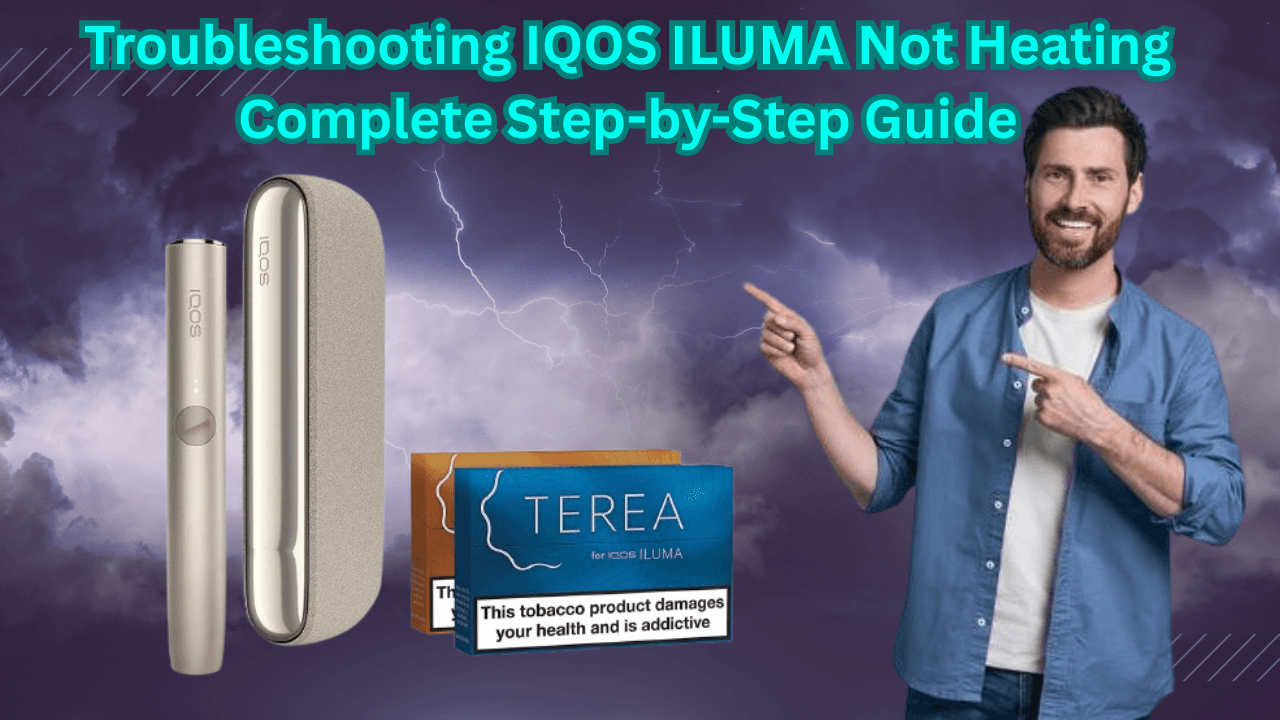
Why Is My IQOS ILUMA Not Heating?
Nearly every case comes down to one of four things: a battery that hasn't had a full charge, residue sitting inside the induction chamber, a firmware hiccup, or a stick that's damaged, the wrong brand, or seated at an angle.
The symptoms usually give it away. The device might not respond at all when you press the button, the heating cycle might start but never finish so the stick never reaches temperature, or the puffs come through weak and uneven partway through a session.
ILUMA devices heat using the Smartcore Induction System rather than the blade older IQOS models relied on. A coil heats the metallic core inside the stick electromagnetically, so nothing pierces the tobacco. That design tends to produce less residue than blade-based heating, though it doesn't remove any of the four causes above.
It's also common for more than one of these to overlap, a half-charged battery paired with a chamber that hasn't been cleaned in a while, for instance. Work through the checks below in order, starting with the one that costs you ten seconds.
Start With the Battery and the Charging Cable
A device that won't heat is, more often than a genuine fault, a device that hasn't had enough charge. This is the fastest check and worth ruling out before anything else.
Put the device on charge until it reads fully charged rather than testing it after a quick top-up. A partial charge can look exactly like a heating fault. While it's charging, look over the cable for fraying or a bent connector, and check the charging port itself for lint or dust that could be breaking the connection.
- Charge fully before judging the device's performance
- Check the cable for frayed wire or a bent connector
- Clean the charging port and clear out any debris
- Try a different official IQOS cable or charger if one is available, to rule out a faulty accessory
Clean the Smartcore Induction Chamber
A blocked induction chamber is the single most common reason a fully charged ILUMA stops heating the way it should.
Power the device off and remove any used stick first. Open the cleaning tool built into the device and work it gently through the chamber, clearing tobacco residue without reaching for anything sharp. For a deeper clean, the official IQOS cleaning sticks are made for exactly this and are worth using weekly rather than only when a problem shows up.
It takes a couple of minutes, which is exactly why it's easy to skip, but residue builds up cumulatively. A clean every few weeks isn't the same as one every week.
- Power off and remove the used stick
- Open the built-in cleaning tool and clear the chamber gently
- Never use sharp objects to scrape out residue
- Run a deeper clean with official IQOS cleaning sticks weekly
Check the TEREA Stick Itself
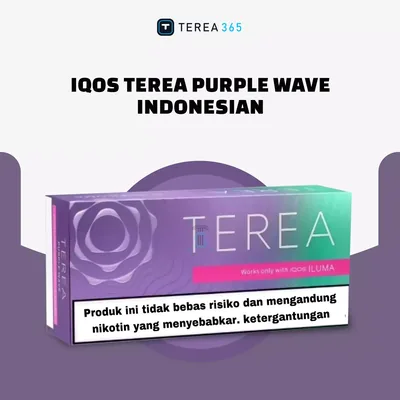
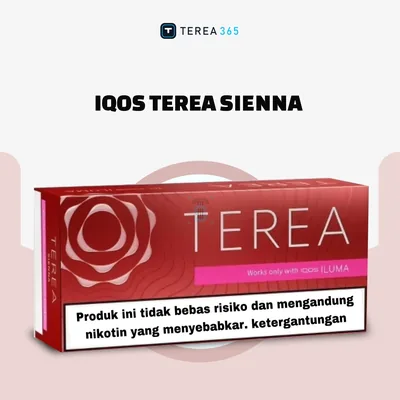
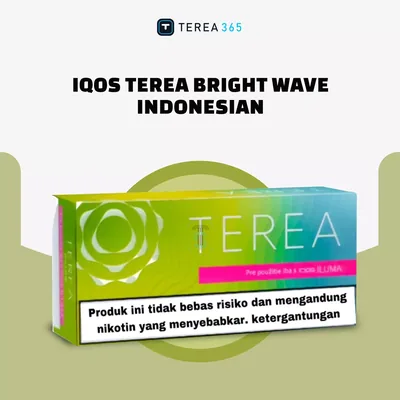
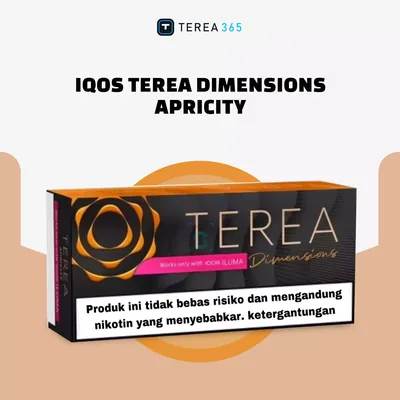
If charging is fine and the chamber is clean, the stick is usually the next place to look. Only official TEREA sticks are built to work with ILUMA's induction system, so anything else risks a heating failure that has nothing to do with the device.
Look the stick over for bends or cracks before inserting it, and make sure it goes in straight and fully seated. If it doesn't slide in easily, don't force it, pushing a misaligned stick into the chamber is a good way to turn a stick problem into a coil problem.
We handle TEREA stock daily and deliver it across Dubai, Sharjah and Ajman within 1-2 hours, with 24-hour delivery to the rest of the UAE. Payment is cash or card on delivery, and orders are taken over WhatsApp on +971561652004.
Reset the Device or Update the Firmware
If the battery, chamber and stick all check out, a software issue is the next likely explanation. This is where a reset or an update usually settles it.
A soft reset, pressing and holding the button as described in the IQOS manual until the lights flash, clears minor glitches without touching anything stored on the device. A factory reset goes further and restores the device to its original settings through the IQOS app; it clears usage statistics but doesn't change how the device functions. Separately, connect the device to the IQOS app and check for a firmware update, since outdated firmware can interfere with the heat-up cycle.
- Soft reset: hold the button until the lights flash, then test again
- Factory reset: through the IQOS app, clears usage stats only
- Firmware update: connect to the app and install any update available
When to Contact Support or Consider a Replacement
If none of the steps above fix it, the cause is most likely internal, and that's a job for support rather than something to attempt yourself. Opening the device to look for the fault risks voiding the warranty, so it's worth contacting IQOS or the retailer's customer support first. A device still under warranty may qualify for repair or replacement.
A few signs point more clearly toward replacement than a quick fix: the device keeps failing to heat despite going through every step above, error lights or an unresponsive button keep coming back, the battery drains far faster than it used to, or there's visible damage to the induction system or the casing itself. None of these are things a clean or a reset will resolve, so there's little point repeating the earlier steps once you're seeing them.
Myths About ILUMA Heating Problems, Corrected
A handful of assumptions come up often enough that they're worth addressing directly.
- Myth: slow heating means the device is broken. Fact: slow heating is more often a low battery, chamber residue or a cold room than an actual fault.
- Myth: any cleaning tool will do. Fact: official IQOS cleaning tools are shaped to clear the induction system without damaging it, a substitute tool can scratch or bend it.
- Myth: third-party sticks are basically the same. Fact: only official TEREA sticks are built for ILUMA's induction heating, other sticks can cause heating failure or damage the device.
A Maintenance Routine That Prevents Most Heating Issues
Most of what stops an ILUMA from heating properly is preventable with a short, regular routine rather than a one-off fix.
How often the weekly deep clean needs to become a twice-weekly one really depends on how much you're using the device, someone getting through several sticks a day will see residue build up faster than an occasional user, so adjust the routine to your own usage rather than following it rigidly.
Kept charged properly, cleaned on a schedule and fed only genuine TEREA sticks, an ILUMA rarely needs anything beyond this.
- Daily: remove the used stick and wipe the chamber lightly
- Weekly: run a deeper clean with the official cleaning tool
- Monthly: check the charging port and cable for wear
- Storage: keep the device somewhere cool and dry, away from extreme heat or cold
- Charging: stick to official accessories, and avoid letting the battery sit fully drained or on charge indefinitely
- Travelling: pack the charger and cleaning tool along with the device
Frequently asked questions
Why is my IQOS ILUMA i not working?
Why is my IQOS ILUMA i not charging?
Why is my IQOS ILUMA i stick not charging?
Why is my IQOS ILUMA one not working?
Is IQOS heat-not-burn?
Is IQOS ILUMA a vape?
Related searches
iqos iluma troubleshootingiqos iluma guideiqos iluma i guideiqos iluma prime guideiqos iluma user guideiqos iluma i not chargingiqos heating deviceiqos device troubleshootingwhy is my iqos iluma not workingwhy is my iqos iluma not chargingwhy is my iqos iluma not vibratingwhy is my iqos iluma pen not chargingwhy is my iqos iluma stick not chargingwhy is my iqos iluma one not working