IQOS ILUMA i Starts Then Stops: The Checks We Run Before Calling It a Fault
An ILUMA i that vibrates for AutoStart, heats briefly, then cuts out is one of the most common issues customers bring into TEREA 365. We work through five checks in order, starting with the most likely cause, before treating it as a fault.
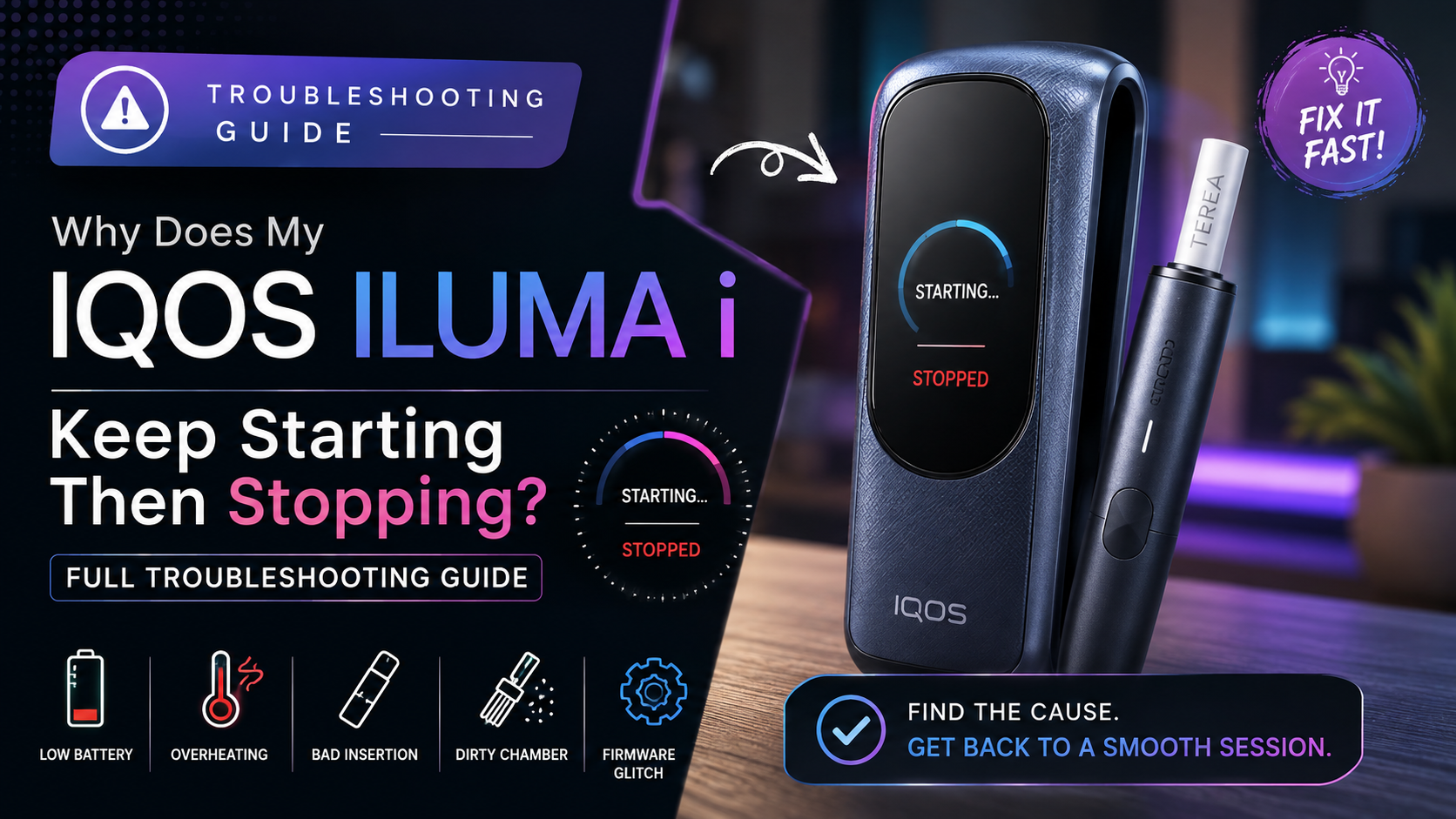
First We Rule Out Pause Mode
Before we go looking for a cause, we ask the customer to check one thing: does the light stay dark, or does it keep pulsing? ILUMA i has Pause Mode built in, and a light tap of the control button is enough to trigger it by accident, holding a session rather than ending it, ready to continue if it is resumed before the window closes. A device that looks stopped but is still pulsing has not failed at all. Once that possibility is out of the way, the five causes below get worked through in the order our customers most often need.
Most Likely: A Battery That Started but Could Not Finish
This single check resolves more visits than the other four combined. Starting a session calls for a sudden surge of current to the induction heater, and a battery that is low, or was only on the charger for a few minutes rather than a full cycle, can supply enough of that surge to get AutoStart going without holding the reserve needed to keep it running.
What a full charge actually means depends on which model is on the counter. Being all-in-one, the ILUMA i One needs around ninety minutes plugged in to unlock its full run of twenty uses, so a five-minute top-up will rarely carry a whole session. The ILUMA i Standard and ILUMA i Prime charge differently again, through their own pocket charger, which takes closer to 135 minutes to fill completely.
- Confirm the holder shows a full charge rather than a brief top-up
- Ask how long it actually sat plugged in before this session
- If there is any doubt, put it back on for a complete cycle and try again
Next, How the TEREA Stick Is Seated
With the charge confirmed, we look at how the stick sits in the holder, because induction only transfers heat properly when contact between the stick and the element stays even along its length. A stick that has gone in crooked, stopped short of the holder's rim, or arrived with a crushed or bent filter end breaks that contact, and the device answers by cutting the session rather than continuing to heat unevenly. We seat the stick again ourselves, checking that it sits flush with the holder's edge, and if the customer has just moved to a different TEREA variant, we ask about how the packs were stored, since a stick that has picked up moisture swells slightly and no longer seats the same way.
Then We Ask About Heat
When the charge and the stick insertion both check out, we ask a different question: what was the device doing just before it happened? A built-in protective cutoff ends the session the moment things get hotter than the induction heater and battery are rated to handle, and three everyday habits push it there faster than people expect: puffing through several sessions with barely a pause between them, sitting in direct sun or a parked car during summer, or a holder that is trapping heat because residue has built up inside it. Customers who notice the cutting-out happens mostly later in the day, or only after a run of sessions close together, are almost always looking at this protection doing exactly what it is meant to do, and giving the device a longer rest between uses, out of the sun, usually settles it.
A Chamber That Is Overdue for Cleaning
A device that has gone weeks between cleans is our next stop. Tobacco leaves residue inside the chamber every time it heats a stick, and enough of it sitting against the element can throw off a session, usually right when a clean is most overdue and the build-up is at its worst.
- Wipe the chamber out with the tool supplied in the box after each pack rather than waiting for a fault to appear
- Skip anything but that official brush or tool, since a substitute can score or damage the element inside
- Ask when it was last cleaned properly; if it is overdue, clear that before looking any further
Last on the List: An Unfinished Firmware Update
Software is the last thing on the list, not because it is unlikely, but because it takes longer to rule out than the four checks before it. The device runs on firmware that gets updated periodically, and one that stalled halfway through an install can leave a session starting and stopping for no visible reason. Opening the IQOS app tells us straight away whether it is current; if not, reconnecting over Bluetooth lets a stuck update finish, and where the app already says everything is up to date, a soft reset usually clears whatever glitch was left behind. Induction-based charging and heating leans on firmware more heavily than the older IQOS ranges did, which is exactly why we check it fifth rather than first.
When We Call It a Hardware Fault
The five checks above resolve the great majority of these visits. What tells us we are past troubleshooting and into fault territory is a combination of signs: a full charge, a well-seated stick and a freshly cleaned chamber that still do not fix it, a session that will not complete even after the device has had a proper fifteen to twenty minutes to cool, unusual blinking on the light or touchscreen, a steady red flash especially, instead of its ordinary start-up pattern, or a problem that appeared right after a drop or contact with water. Any single one of those is enough for us to recommend inspection rather than more testing at home.
If Your ILUMA i Needs Replacing
Once inspection confirms a fault, every ILUMA i model we carry right now is ready for fast UAE delivery.
Delivery runs one to two hours across Dubai, Sharjah and Ajman, and within twenty-four hours to the rest of the UAE, with payment by cash or card on delivery. If you are not sure which of the checks above applies to your device, message us on WhatsApp at +971561652004 and we can help narrow it down before you order.
- IQOS ILUMA i Standard, sold as a separate holder and charger, in Midnight Black, Breeze Blue, Digital Violet and Vivid Terracotta
- IQOS ILUMA i One, the compact all-in-one build that covers up to twenty uses per charge with fewer pieces to manage
- IQOS ILUMA i Prime, the touchscreen model, offered in Aspen Green, Breeze Blue, Garnet Red and Midnight Black
Frequently asked questions
Why does my ILUMA i vibrate and then stop straight away?
Is my device actually stopping, or is it just Pause Mode?
Is it normal for an ILUMA i to stop mid-session sometimes?
Does charging time differ between the ILUMA i One, Standard and Prime?
How do I know if I need a replacement rather than more troubleshooting?
What should I check myself before contacting TEREA 365 about this?
Related searches
iqos iluma troubleshootingiqos iluma guideiqos iluma i guideiqos iluma prime guideiqos iluma user guideiqos device troubleshootingiqos iluma prime user guideiqos iluma quick start guidewhy does iqos light redwhy does my iqos flash redwhy does iqos taste badwhy is my iqos iluma not workingwhy is my iqos iluma not chargingwhy is my iqos iluma not vibrating