Why Does Your RELX Device Blink Red While You're Inhaling?
A RELX device blinking red mid-draw almost always means its safety system caught a fault, not that the unit has died. This guide covers the three causes we see most across the Infinity 2, Infinity Plus and Artisan in the UAE, how to tell them apart, and the fix for each.
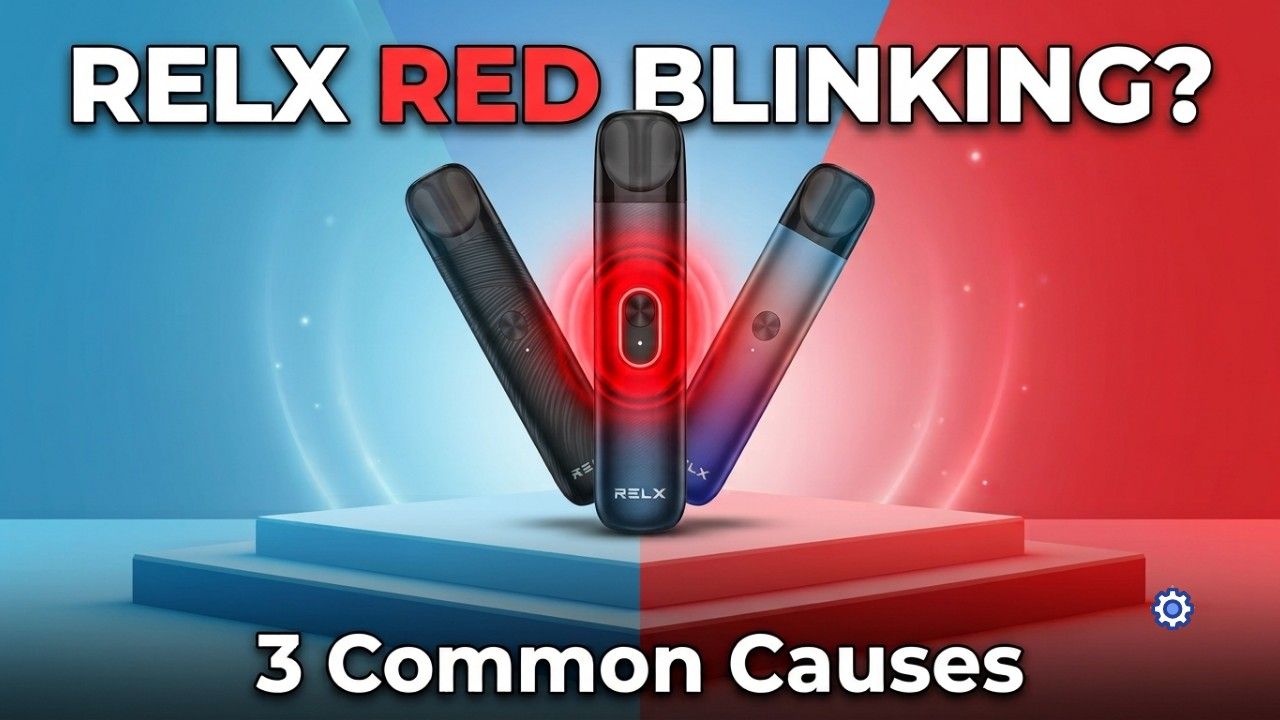
What a Blinking Red Light on Your RELX Actually Means
A RELX device blinking red while you inhale is the built-in protection system stepping in, not a broken unit. Across the current lineup, the Infinity 2, Infinity Plus and Artisan run the same basic logic, and the pods that feed into it, Pod Pro and Pod Pro 2, are part of that check. Three patterns cover almost every case: ten blinks in a row, three blinks with a short vibration, or a slow pulsing red while you're actually drawing on it. Each points to a different fault, and none of them mean the device is finished.
RELX devices skip a screen altogether, so the LED does all the reporting. Every time you pull on the device, it runs a quick check across battery voltage, the pod connection, coil resistance, airflow and puff length. If any one of those readings sits outside a safe range, the firmware cuts power mid-draw and switches the light to red. That is the system working as designed, not a fault on its own.
There is a real difference between a temporary lockout and an actual hardware problem. Low battery and over-puff cutoffs clear themselves once you charge or pause, nothing to worry about. A genuine fault looks different: the same blink pattern keeps coming back even after a full charge, clean contacts and a fresh pod.
- Ten red blinks: battery voltage has dropped too low to fire
- Three red blinks with vibration: pod connection or short-circuit fault
- Slow red pulse while drawing: over-puff protection has kicked in
Cause One: Low Battery Voltage Sag (Ten Red Blinks)
Ten red blinks means the battery voltage dropped below the level the device needs to fire, not that the cell is necessarily empty. Lithium batteries sag under load, and the ceramic coil pulls a sharp burst of current the instant you inhale. A cell can read fine sitting idle and still collapse the moment real current is asked of it, especially once it is a few months old.
Power mode makes a measurable difference on the Infinity 2. Eco Mode runs at 5.5W, Smooth Mode at 6.5W, and Boost Mode at 8W. Boost pulls the most current, so it is the setting most likely to trip this warning on a battery that is only partly charged - the trade-off for the strongest vapour is less tolerance for a half-full cell.
Charge with a genuine 5V/1A wall adapter for 15 to 20 minutes before trying again. Skip weak USB ports and laptop chargers - they trickle power in slowly enough that the device can still read low the moment you draw on it.
Cause Two: A Pod Connection or Short-Circuit Fault (Three Blinks and a Vibration)
The pod meets the device through a set of gold contact pins, and the firmware measures resistance across them before it lets the coil fire. Break that connection for even a moment and the device shuts down on the spot, three blinks and a short buzz.
UAE conditions make this fault common. Constant air conditioning against outdoor humidity produces condensation, and moisture sitting in the pod chamber can bridge the pins or block the pressure sensor, which the device reads as a short circuit either way. Pocket lint, dust, bent pins, a loose pod or a damaged third-party pod trip the same warning. Pod Pro 2 uses a tighter contact fit than the original Pod Pro, built for the Infinity 2's power modes, so the same amount of dirt an old Pod Pro shrugs off can fault a newer pod first.
A few habits make this worse rather than better: do not poke the chamber or scrape the pins with anything sharp, do not flood the chamber to flush it out, and do not blow into the pod bay or USB port, which pushes moisture deeper instead of out. Tapping the device to knock a pod loose can jar the pressure sensor or battery, and leaving it on an uncertified fast charger can overheat the control unit badly enough to freeze it in a red-error state for good.
- Remove the pod and check the chamber for visible moisture
- If liquid has pooled, hold the device pod-bay-down and shake gently so it drains out
- Wipe the contacts and pressure sensor with a dry cotton swab, then let everything air dry
- Reseat the pod firmly before you try again
Cause Three: Over-Puff Protection Cutting the Draw Short
A slow red pulse that only shows up mid-draw is over-puff protection. Any pull past roughly five seconds trips it automatically, and a fast run of several long puffs in a row can trigger the same cutoff as one overlong draw.
It is protecting the coil rather than malfunctioning. The FEELM ceramic coil holds e-liquid in microscopic pores, and a puff that runs too long dries those pores out and risks burning them. Sticking to 2 to 4 second draws with a short pause between puffs, rather than chaining several in a row, keeps this cutoff from firing at all.
Why UAE Heat, Humidity and Dust Make Red Lights More Frequent
Climate is a genuine factor here, not an excuse. Extreme heat stresses the battery and makes it sag under load more easily, which lowers the bar for cause one. Air conditioning creates sharp temperature swings that both produce condensation and expand or contract the air pocket sealed inside a pod, and that pressure change can push e-liquid toward the contacts and sensor, feeding cause two.
Sand and fine dust do their own damage, settling on charging contacts and pod pins and interrupting the electrical connection. It tends to show up first on Pod Pro 2, since its tighter contact tolerances leave less room for grit than the original Pod Pro allowed.
Device-Specific Notes: Infinity 2, Infinity Plus and Artisan
The three current devices share the same protection logic but show it slightly differently.
- Infinity 2: a red blink right as you switch to Boost Mode usually just means the battery cannot support that wattage yet - drop to Eco Mode or charge up. If the light loops without clearing, remove and reinsert the pod a few times to force a reset.
- RELX Infinity Plus blinking red alongside decent horizontal battery bars usually points to voltage sag from an ageing cell rather than a genuinely empty battery, and a full charge, not a quick top-up, tends to clear it.
- The RELX Artisan device's leather-wrapped metal shell holds heat a little longer than the plastic-bodied Infinity range, so give it extra time to cool between sessions. After a drop, check that the contact pins have not been pushed in and failed to spring back flush.
Can a Counterfeit Pod Cause the Red Light?
Yes, and it is worth ruling out if a fault will not clear. A counterfeit pod rarely matches the genuine coil's resistance specification, which throws off the check the firmware runs before it fires, and poor contact alignment on cheap copies makes connection faults more likely from the start. Counterfeit pods also tend to leak more than genuine ones, which stacks a condensation fault on top of everything else.
Genuine RELX Pod Pro and Pod Pro 2 cartridges are built to consistent tolerances, which is the actual reason they connect reliably far more often than a copy does.
Pod or Device: How to Tell Which One to Replace
Try a second, known-good pod before assuming the device itself has failed. If the fault clears, it was the pod, not the device.
If the identical blink pattern comes back after a full charge, clean contacts and a fresh, genuine pod, that is a real hardware fault rather than something you can clean or charge your way out of.
- Burnt or harsh flavour compared with a fresh pod
- Persistent leaking rather than a one-off drop
- Noticeably weaker vapour side by side with a new pod
- The same error following one specific pod rather than the device generally
- A pod that has simply reached the end of its working life
Keeping Red Lights Rare, and Where to Buy Genuine RELX Stock in the UAE
A handful of habits cut down how often the light shows up at all: store the device and any spare pods upright, so gravity keeps liquid away from the sensors rather than sitting on them; swab the pod bay dry every three to four days to catch condensation while it is still minor; and charge as soon as the first low-battery signal shows rather than running the cell down further, since that is what actually prevents voltage sag from becoming routine.
Buy your RELX device and pods from a seller that guarantees authenticity across the current UAE lineup - Infinity 2, Infinity Plus, Artisan, Pod Pro and Pod Pro 2 - with real batch codes, full specifications and honest pricing rather than a RELX device price that looks too good to check. TEREA 365 is an independent UAE retailer stocking IQOS ILUMA devices, TEREA sticks, HEETS and RELX pods, with delivery in 1 to 2 hours across Dubai, Sharjah and Ajman and within 24 hours elsewhere in the UAE, paid by cash or card on delivery. Order through WhatsApp on +971561652004.
Frequently asked questions
Why is my RELX device blinking red while I'm inhaling?
Why is my RELX device not working even after I charge it?
Why does my RELX device still not work after I've cleaned it?
Why does my RELX vibrate when the red light comes on?
Why is my RELX pod leaking?
Related searches
relx infinity plus blinking redrelx deviceiqos stick blinking rediqos iluma i blinking rediqos device redrelx fresh rediqos device blinking orangeiqos device red lightwhy is my relx device blinking redwhy is my relx blinking redwhy my relx blinking redwhy is my iqos blinking redwhy is my relx device not workingwhy relx is vibrating